Shop by collection





How it works
 STEP 1
Choose your design
Pick the design that feels like your story. Your guide is delivered when payment is confirmed.
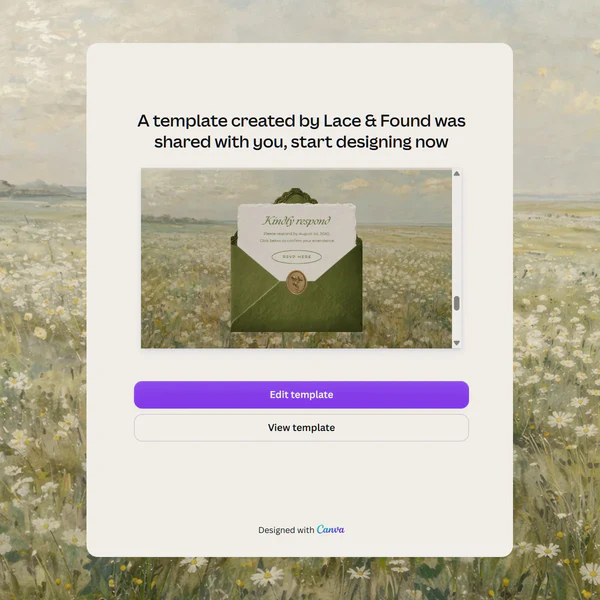 STEP 2
Open in Canva
Follow your template link to create a personal copy in your Canva account.
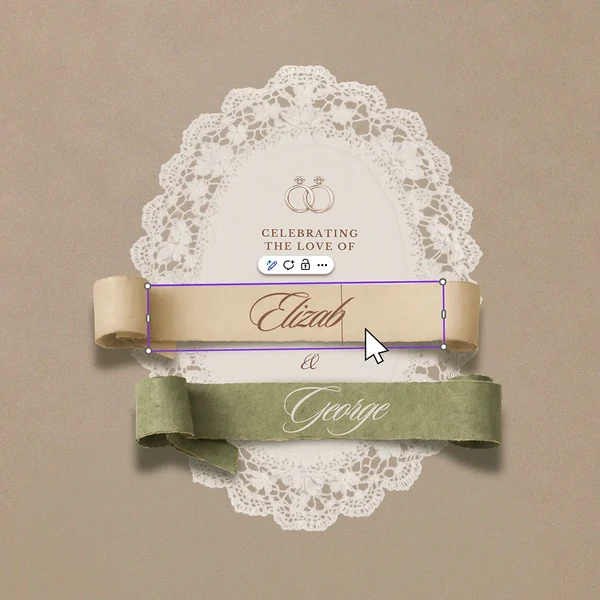 STEP 3
Make it yours
Add your names, photographs and wedding details. Set up the RSVP for your guests.
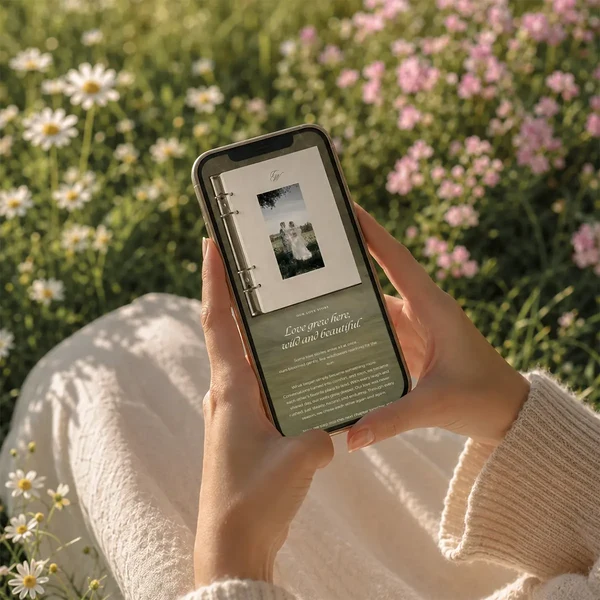 STEP 4
Share with guests
Publish your invitation and share your link, or add a QR code to your printed cards.
From the pages of Bride’s Note
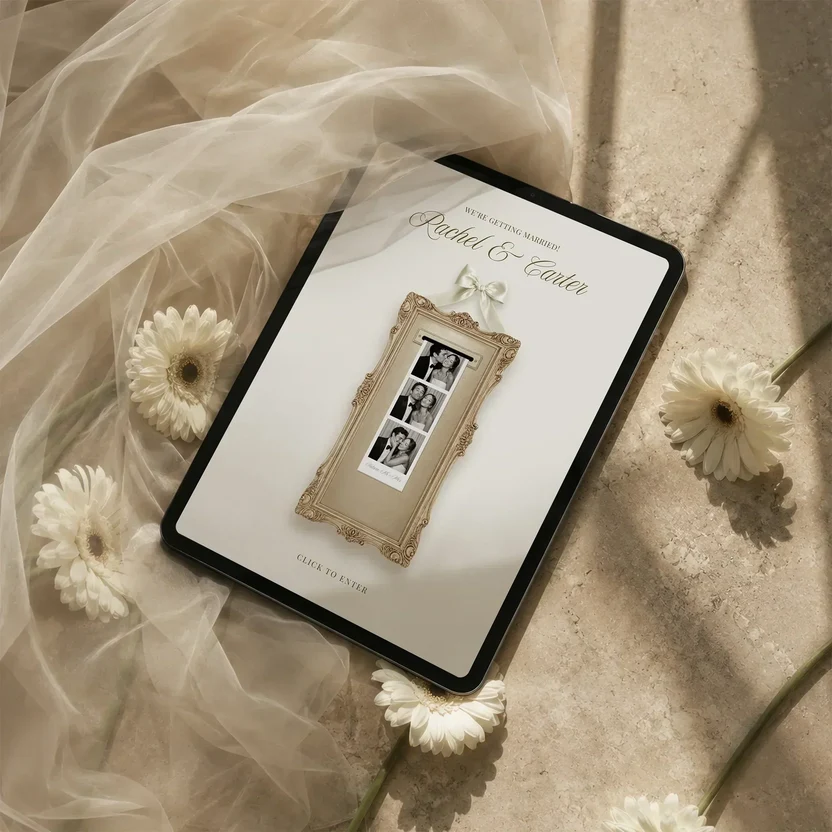
Before you send your save the date
October 2, 2026A short checklist for a beautiful first impression — and a smooth experience for your guests.

The little details that make it yours
October 2, 2026A favourite colour. A shared place. A line from your story. Let the small things guide your invitation.

A thoughtful start to your guest list
October 2, 2026Your celebration begins with the people you want beside you. Start with a shared list before sending a save the date.
A little guidance, every step of the way.
From choosing a design to sending your first invitation, find the answers to your wedding website questions.
Explore the FAQ →